Web-based Document Archiving System
A secure, searchable digital platform designed to streamline the storage, organization, and retrieval of official documents across departments. Supports document management, personnel coordination, and activity tracking.
Implementing Agency
- Department of Agriculture – Region VII – Primary partner
- Office of the Regional Executive Director – Oversight & coordination
- PIES Information Technology Solutions – Design & development
Web-based Document Archiving System is a secure, searchable digital platform designed to streamline the storage, organization, and retrieval of official documents across departments. It centralizes file management and personnel coordination, making institutional workflows more efficient and transparent.
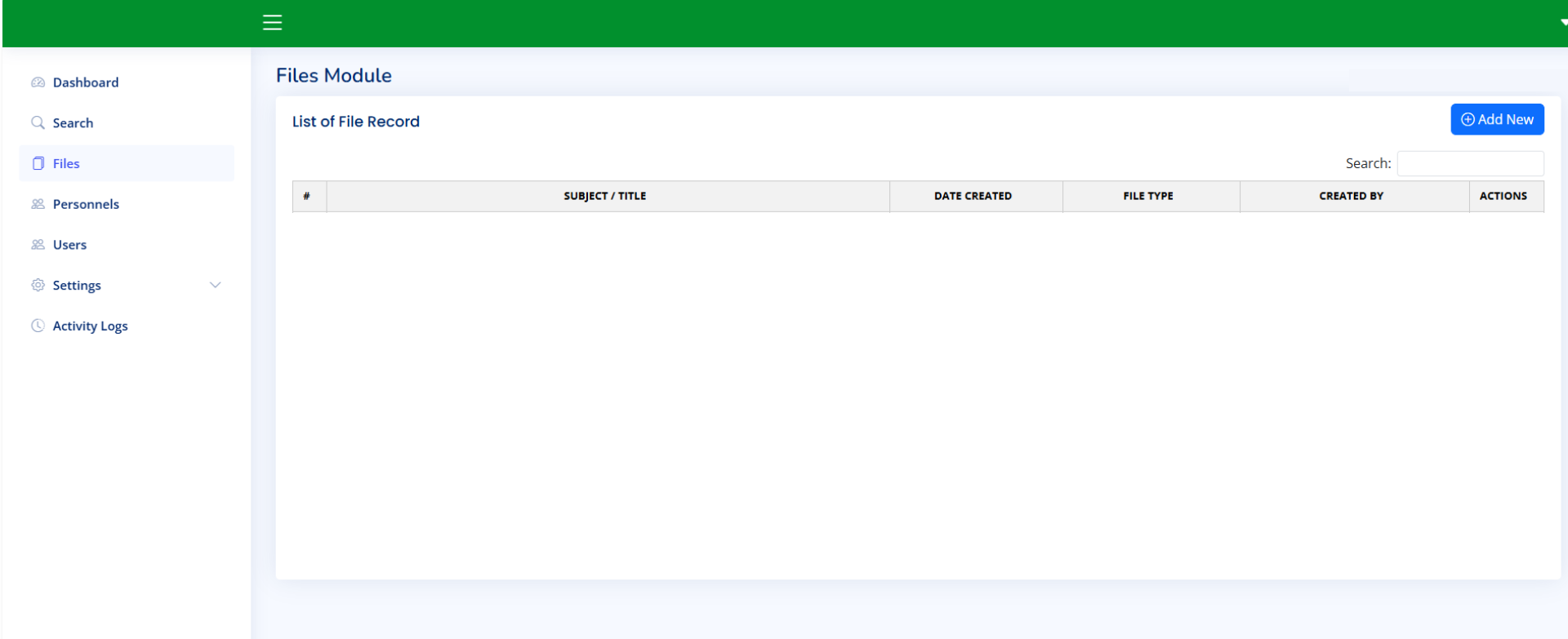
The system allows users to upload and categorize documents by type—such as advisories, memoranda, travel orders, and technical reports—while tagging each file with metadata like subject, creator, and assigned personnel. Files can be previewed, downloaded, and filtered using advanced search tools that support queries by name, title, type, or date.
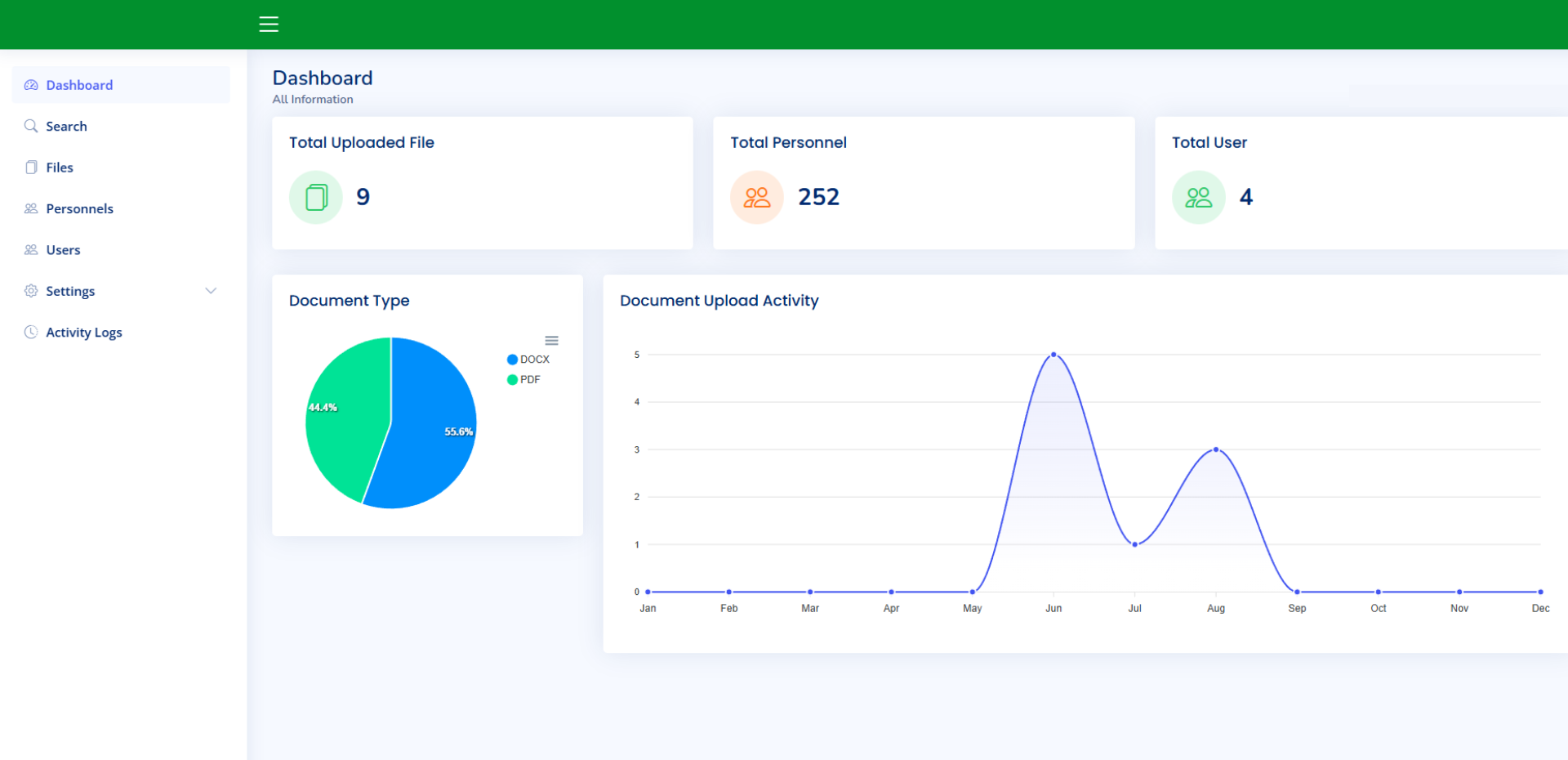
Through its interactive dashboard, users gain real-time insights into upload activity, document type distribution, and system usage. Visual charts and metrics help administrators monitor trends and ensure accountability across divisions.
Personnel management is fully integrated, enabling role-based access, directory tracking, and assignment of files to individuals grouped by division, section, and employment status. The system supports structured configuration of categories and organizational units, allowing administrators to define and update personnel metadata with ease.
Settings and activity logs provide full control and visibility over system behavior and user actions. Every upload, edit, and access event is recorded to maintain compliance and traceability.
This system supports the Department's mission to enhance transparency, efficiency, and accountability in organizational management and public service delivery. By digitizing document workflows, it empowers staff to quickly locate, review, and share critical records—eliminating reliance on manual filing and physical archives.
Core Features
Document Management
- Upload PDF, DOCX, and other formats with categorization and metadata tagging. Version control maintains revision history. Technical attachments and references included.
Dashboard & Analytics
- Real-time metrics for uploads, personnel, and users. Data visualization via pie and line graphs for document types and activity trends. User activity tracking and upload statistics.
User & Personnel Management
- Role-based access (Admin, Personnel, General User). Directory integration linking documents to personnel records. Manage divisions, sections, employment statuses with comprehensive audit logs.
Search & Retrieval
- Keyword search by subject, name, file type, and date range. Filtered views with multiple precision filters. Document preview before download and retrieval history for compliance.
System Configuration
- Customizable settings for behavior, access rules, and UI preferences. Integration with external systems, encryption, role-based access, and end-to-end audit logs. Structured archive categories and retention policies.
Key Benefits
- Reduces physical storage needs and eliminates manual filing overhead.
- Improves document traceability and accountability with full audit trails.
- Enables quick access to records for compliance audits and reporting.
- Supports multi-department collaboration with centralized secure access.
- Enhances disaster resilience through digital backup and version control.